
What is Google Search Console?
Google Search Console is a free web service provided by Google that allows business owners to monitor, maintain, and troubleshoot their website’s presence in search results.
We have spent a lot of time talking about Google Business Profile and how it helps grow your business. While it handles how people find your physical storefront on a map, Google Search Console handles how the world finds your website content. It acts as a direct line of communication between your site and Google’s search engine. It works like a data specialist in the back office to tell you which products people are looking for before they ever walk through the door. And the good news is that this data specialist does. not require a salary.
Why Every Business Owner Needs It
Connecting your website to Search Console provides immediate clarity on your digital performance. It reveals the exact words and phrases people type into Google to find your pages. This data allows you to stop guessing about your marketing and start making decisions based on actual behavior.
The tool also serves as a health monitor for your site. It will alert you if Google has trouble reading your pages or if there are issues that might prevent you from appearing in search results. Because it is a Google product, the information comes directly from the source, making it the most reliable data available for your SEO and AEO strategy.
The Connection to Your Business Profile
There is a significant advantage to using both Google Business Profile and Search Console together. When these tools are linked, you get a complete picture of your funnel. You can see how many people found you through a local map search versus those who found your educational blog posts or service pages through a traditional search.
Features That Grow Your Business
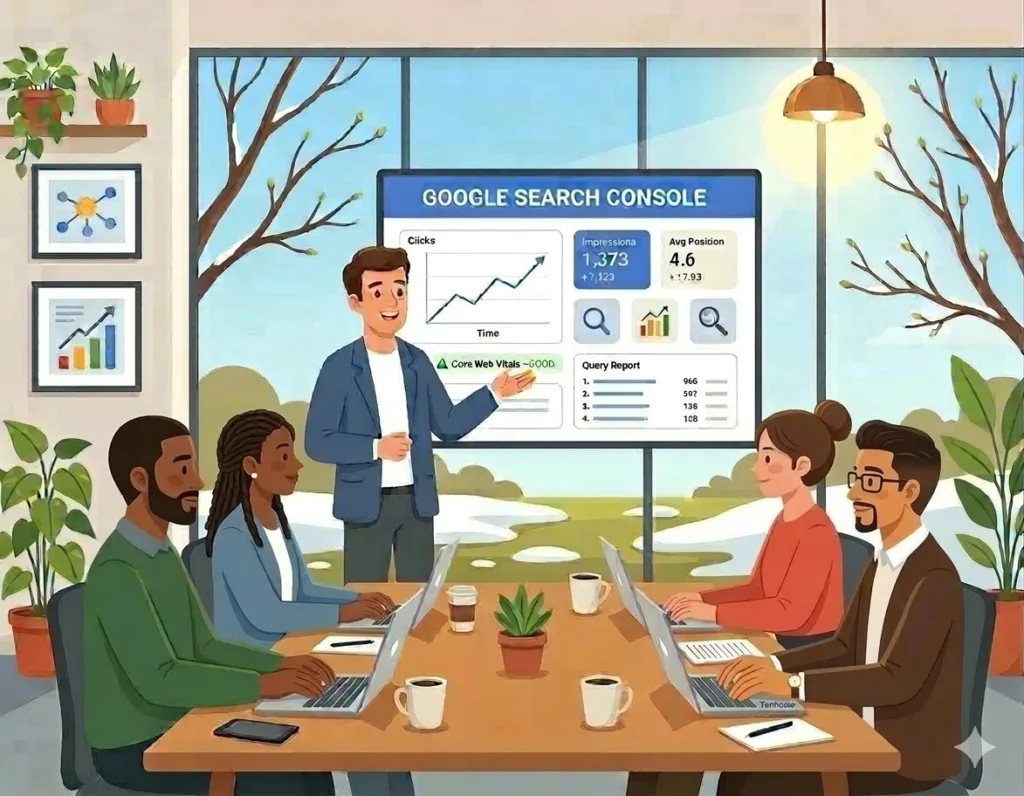
Search Console offers several user-friendly reports that act like a growth manual for your company. The Performance Report shows your “Impressions,” which is the number of times your website appeared in a search. If your impressions are high but your clicks are low, you know your website title needs to be more inviting to catch a reader’s eye.
The Queries Report is another goldmine for business owners. It lists the actual questions people are asking when they find you. If you notice many people searching for specific solutions and you only have a short paragraph on that topic, you can expand it into a full article. This simple move helps you rank higher for the very things your customers care about most.
Improving Your Site Performance
Beyond keywords, Search Console helps you ensure your website is fast and easy to use. The Core Web Vitals report uses a simple “Good, Needs Improvement, or Poor” rating system to tell you how your site performs for real visitors. Google and AI search engines prioritize websites that load quickly and stay stable while a person is reading.
The URL Inspection Tool is like a “check engine” light for individual pages. If you launch a new service or update an important blog post, you can use this tool to ask Google to look at it immediately. This ensures your latest information shows up in search results as fast as possible rather than waiting for Google to find it on its own.
Quick Facts About Google Search Console
What is the purpose of Google Search Console? It is designed to help website owners track their search performance, identify site errors, and understand which queries drive traffic to their pages.
Is Google Search Console free? Yes, Google provides this tool at no cost to all website owners to help improve the quality of search results.
How does Search Console help with SEO? It identifies which keywords drive traffic, finds technical website errors, and confirms that Google can successfully crawl and index your content.
Getting Started is Simple
The setup process is straightforward.
1. If you already have a Google account for your business, you can sign in to the Search Console dashboard and add your website URL.
2. Google will provide a small piece of code or a file to verify that you own the site. Once that connection is made, the data begins to flow. Easy!
Taking this step moves you out of the dark and into a position of control. You will finally see which of your marketing efforts are working and where your biggest opportunities for growth are hiding.
Let’s Get You Connected
The benefits of Google Search Console are clear. But the initial setup and verification can feel like a hurdle when you are busy running your business. If you want to ensure your site is connected correctly so you can start seeing your data right away, I am here to help.
I can handle the technical verification and link your Search Console to your Google Business Profile for a seamless view of your marketing performance. Contact me today at Tannuzzo Creative and let’s make sure Google is telling you everything you need to know so you can grow.