
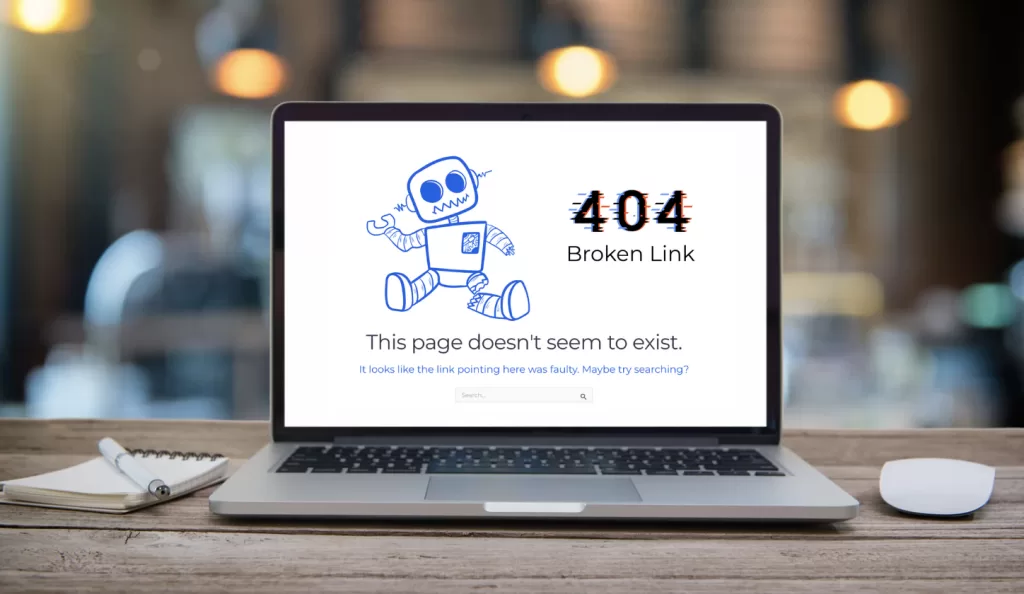
Don't Panic. Broken Links Happen Over Time.
Clicking on a website’s link should feel seamless. You expect to land on the page you wanted. But sometimes the result is a 404 error page, and it’s more than just an inconvenience. It signals to your visitors that something on your site is broken.
What Is a 404 Error Page (and Why Should You Care?)
A 404 page is the default screen shown when a link points to a page that doesn’t exist. It usually says something like “Page Not Found.” This happens when content is deleted, moved without a redirect, or linked incorrectly.
For your customers, though, it’s a dead end. Instead of finding the information they came for, they’re forced to backtrack or leave your site altogether. For search engines, a site full of 404s looks unmaintained and unreliable. That’s a hit to your reputation.
How Broken Links Affect Your Website SEO and Your Customers
They damage trust. When your visitors hit a broken link, they may assume your site is outdated or neglected. They may be right. But some websites have been around for many years and broken links happen, sometimes without your knowledge.
They weaken your website SEO. Search engines like Google crawl links to understand your site. A trail of broken links disrupts that process, which can reduce your rankings and visibility.
They create a poor user experience. Every broken link is a roadblock in your customer’s journey.
- They cost you conversions. Every click is a potential customer lost.
Let’s address this.
How to Find and Fix Broken Links in WordPress Without Tech Skills
Here’s some good news: you don’t need to be an IT pro to spot problems or fix them.
Start by running a free scan with the Ahrefs Broken Link Checker. Paste in your website URL, and in seconds you’ll see a list of links that don’t work. The report shows you where the broken links are and what they’re trying to connect to.
Once you’ve identified them, you can take a few simple steps to clean things up:
Update or replace the link. If the destination page still exists, update your link with the correct URL.
Redirect when necessary. In WordPress, free plugins like Redirection let you set up a permanent redirect (301).
Add it to your routine. Add a quarterly reminder to run a broken link scan to stay on top of these errors.
Why Fixing Broken Links Builds Trust With Your Customers
Maintaining healthy links is one of the simplest, most cost-effective ways to strengthen your website SEO and keep your customers engaged. Think of it this way: if your website is your digital storefront, broken links are like locked doors. Nobody likes to be locked out, especially when seeking information that could lead to a sale.
Quick Website Maintenance That Improves Your SEO
Fixing broken links doesn’t require a developer or a big budget. With free tools, quick updates, and the occasional redirect, you can eliminate 404 errors and create a website experience that builds trust and improves visibility.
Need help cleaning up broken links — or tackling any other part of your website, from SEO to content to WordPress tweaks? Let’s talk. I offer Website & SEO Audits that give you clear, actionable steps to make sure your site is working just as hard as you are.